Ask ten SEO professionals what tools they use and you will get ten different answers, most of them longer than they need to be. The industry has a quiet accumulation problem: subscriptions signed up for during a specific project, renewed on autopilot long after the project ended, each one adding a login, a monthly charge and a false sense of thoroughness. A well-designed SEO stack in 2026 is not the one with the most tabs open. It is the smallest set of tools that reliably answers the questions your work actually depends on.
This guide is about building that stack deliberately. We will start with the free foundation almost everyone underuses, then work outward through crawlers, all-in-one platforms, rank trackers, and the newer category of AI-search visibility tools. Along the way we will map recommended stacks to three realistic budget tiers and flag the overlap traps that quietly drain money. The goal is not to name a single winner in each category, but to help you decide what you genuinely need before a sales page decides it for you.
- The right stack is defined by the questions your work must answer, not by feature lists.
- Google Search Console and Analytics 4 are the free foundation every other tool builds on.
- You almost never need two all-in-one platforms; overlap is the most common source of waste.
- Crawlers, rank trackers and content tools are add-ons that earn their place only when a real workflow demands them.
- AI-search visibility tools are worth monitoring in 2026, and worth buying only if assistants already drive your audience.
How to Choose Tools Without Overbuying
Every purchasing decision in SEO should start with a job, not a tool. Before you evaluate a platform, write down the specific question you need answered: which pages are losing impressions, why a section will not index, what my competitors rank for that I do not, whether my content covers a topic completely. Tools exist to answer questions like these. A feature that does not map to a question you actually ask is a feature you are paying to ignore.
The trap is that vendors sell breadth, and breadth is seductive. An all-in-one platform advertising forty modules feels like a bargain next to four specialist tools, right up until you notice your team only ever touches three of those modules. Overbuying is rarely a single reckless decision. It is the slow drift of paying for potential you never convert into practice.
A useful discipline is to think in three layers. The foundation layer is free and non-negotiable. The core layer is the one or two paid platforms that carry your day-to-day work. The specialist layer is the narrow, often cheaper tools you add only when a specific need appears and remove when it disappears. Most teams get into trouble by treating the specialist layer as permanent and the core layer as something to duplicate.
The Free Foundation: Search Console and GA4
Before any money changes hands, two free tools from Google should already be doing serious work. Google Search Console reports how your site actually performs in search: the queries you appear for, your impressions and click-through rates, indexing status, and the technical issues Google itself has flagged. No third-party tool can match it, because none of them see Google's own data. It is the single most authoritative source you have, and it costs nothing.
Google Analytics 4 completes the picture on the other side of the click, showing what visitors do once they arrive: which pages hold attention, which convert, and how organic traffic compares with other channels. Used together, Search Console tells you how people find you and GA4 tells you what happens next. That combination answers a remarkable share of everyday SEO questions before a paid subscription is even considered. Our Search Console diagnostics guide goes deeper into extracting insight from that data.

The reason so many teams undervalue this foundation is that it demands interpretation rather than serving pre-packaged verdicts. Paid tools feel more satisfying because they render a score, a colour and a recommendation. But the underlying truth of your site's performance already lives in these two free products. Master them first, and every paid tool you add later becomes a supplement rather than a crutch.
Crawlers: Screaming Frog and Sitebulb
When your questions turn technical, a crawler becomes indispensable. Crawlers behave like a search engine bot, walking your site link by link and reporting what they find: broken links, redirect chains, duplicate titles, missing metadata, orphaned pages, thin content and the structural problems that quietly suppress rankings. This is the category that pairs most directly with our technical SEO guide, where the fixes these tools surface are explained in detail.
Screaming Frog is the long-standing standard: fast, precise and endlessly configurable, with a free tier that crawls up to five hundred URLs, enough for many small sites. It rewards operators who know exactly what they are looking for. Sitebulb takes a different posture, layering interpretation and prioritized recommendations on top of the raw crawl, which makes it friendlier for teams who want the tool to explain why an issue matters, not just that it exists.
- Screaming Frog is faster, more configurable and has a genuinely useful free tier
- Screaming Frog integrates cleanly with Search Console and analytics for enriched crawls
- Sitebulb prioritizes and explains issues, lowering the expertise required to act
- Sitebulb produces client-ready audit reports with visual site architecture maps
- Screaming Frog assumes you already know what each issue means and how to fix it
- Screaming Frog's interface is dense and unwelcoming to newcomers
- Sitebulb is slower on very large sites and has no comparable free tier
- Running both is redundant; most teams need only one crawler
The practical answer for most teams is one crawler, chosen to match the operator. If a technically confident person runs your audits, Screaming Frog is hard to beat on value. If you want the tool to shoulder more of the diagnosis and produce presentable reports, Sitebulb justifies its price. Owning both is a classic overlap trap.
All-in-One Platforms: Ahrefs, Semrush and Moz
The all-in-one platforms are the gravitational centre of most paid stacks, and for good reason: they bundle keyword research, backlink analysis, rank tracking, site auditing and competitor intelligence into one subscription. For many teams a single one of these replaces three or four narrower tools. The catch is that they are also where duplicate spending most often hides, because their feature sets overlap so heavily that owning two rarely makes sense.
Ahrefs earned its reputation on the strength of its backlink index and remains a favourite for link analysis, competitor research and keyword discovery, with a clean interface that many practitioners simply prefer. Semrush is the broader suite, extending beyond core SEO into paid search, social and content marketing tooling, which suits teams that want one platform spanning several channels. Moz, the most approachable and often the most affordable of the three, offers solid fundamentals and its widely referenced Domain Authority metric, making it a sensible entry point for smaller teams and those learning the discipline.
| Platform | Strongest for | Typical fit |
|---|---|---|
| Ahrefs | Backlink analysis and competitor research | SEO-focused teams and consultants |
| Semrush | Breadth across SEO, PPC and content | Multi-channel marketing teams |
| Moz | Approachable fundamentals and lower cost | Small teams and those newer to SEO |
The decision here is genuinely an either-or. Pick the platform whose strengths match your primary work, commit to learning it deeply, and resist the pull to add a second suite. A single all-in-one used to its full depth outperforms two platforms used at a fraction of their capability, every time.
Rank Tracking and AI-Search Visibility
Rank tracking answers a deceptively simple question: are my positions moving, and in which direction? Most all-in-one platforms include a rank tracker, so a standalone tool is only worth buying when you need something the suite does not offer well, such as granular local tracking by postal code, precise device and location segmentation, or white-label reporting for clients. Dedicated trackers like AccuRanker or Nightwatch fill those gaps for teams that live and die by daily position data.
The faster-moving story in 2026 is visibility inside AI-generated answers. As people increasingly begin research inside assistants rather than a search box, appearing in the response an assistant composes has become its own discipline. AI-search visibility tools track whether your brand is cited across ChatGPT search, Google AI Overviews, Perplexity and similar systems, along with the sentiment and share of voice of those mentions. Our guide to AI search optimization covers the strategy behind earning those citations in the first place.
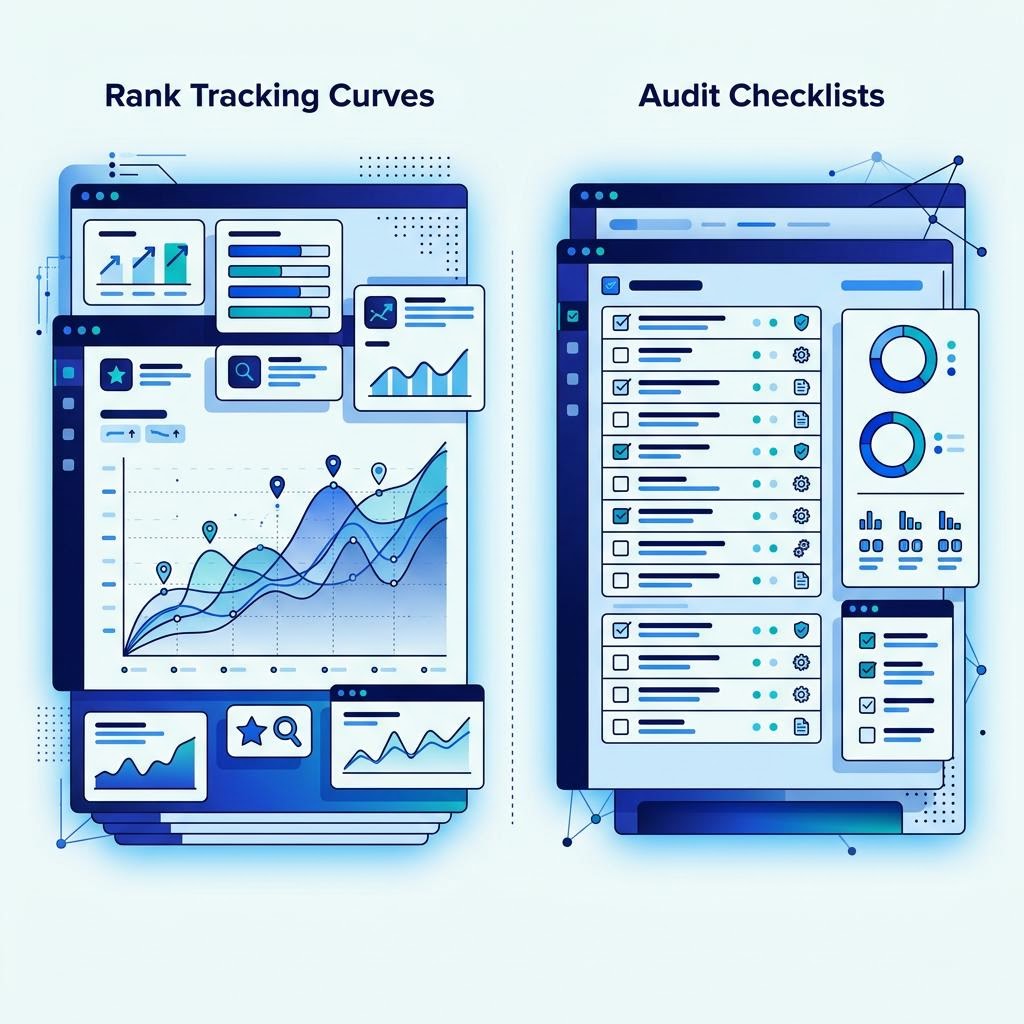
Treat AI-search visibility as an emerging, not essential, category for now. If a meaningful share of your audience already researches through assistants, a monitoring tool tells you where you stand and is worth the spend. If your conversions still flow overwhelmingly from traditional search, the honest move is to watch the category mature rather than pay for data you cannot yet act on. Buying ahead of need is how stacks bloat.
Local SEO and Content Optimization Tools
Two specialist categories deserve their own consideration because they solve problems the generalist platforms handle only partially. The first is local SEO. If you serve a defined geographic area, tools such as BrightLocal or Whitespark manage the work that all-in-ones treat as an afterthought: auditing and building local citations, monitoring your presence across directories, tracking rankings in the map pack by location, and managing reviews at scale. For a multi-location business, this tooling is not a luxury; it is the difference between consistent listings and a fragmented local footprint.
Content optimization tools
The second category targets the content itself. Tools like Clearscope, Surfer and Frase analyze the pages already ranking for a target topic and guide you toward covering it comprehensively, surfacing subtopics, questions and entities you might otherwise miss. Used well, they make thin content thorough and align a page with genuine search intent. Used badly, they encourage keyword-density thinking that produces bloated, robotic prose. The tool is a checklist for coverage, never a substitute for expertise, and the writing still has to be worth reading.
Both categories illustrate the specialist-layer principle. You add a local tool when local visibility is a core objective, and a content tool when you produce enough content for systematic optimization to save real time. When those conditions are not met, the money is better left in the foundation and core layers.
A Recommended Stack by Budget Tier
There is no universal stack, but there are sensible starting points that scale with your resources and ambition. The table below maps three common situations, the solo operator or small business, the growing SMB, and the agency or in-house team, to a lean recommended stack. Read these as blueprints to adapt, not prescriptions to copy, and note how each tier extends the one below it rather than replacing it.
| Tier | Approximate monthly spend | Recommended stack |
|---|---|---|
| Solo / small business | $0 to $150 | Search Console, GA4, a free-tier crawler, and one entry all-in-one such as Moz when budget allows |
| Growing SMB | $150 to $500 | Search Console, GA4, a paid crawler, one all-in-one (Ahrefs or Semrush), and a content optimization tool |
| Agency / in-house team | $500+ | The SMB stack plus a dedicated rank tracker, a local SEO platform, white-label reporting, and AI-search visibility monitoring where relevant |
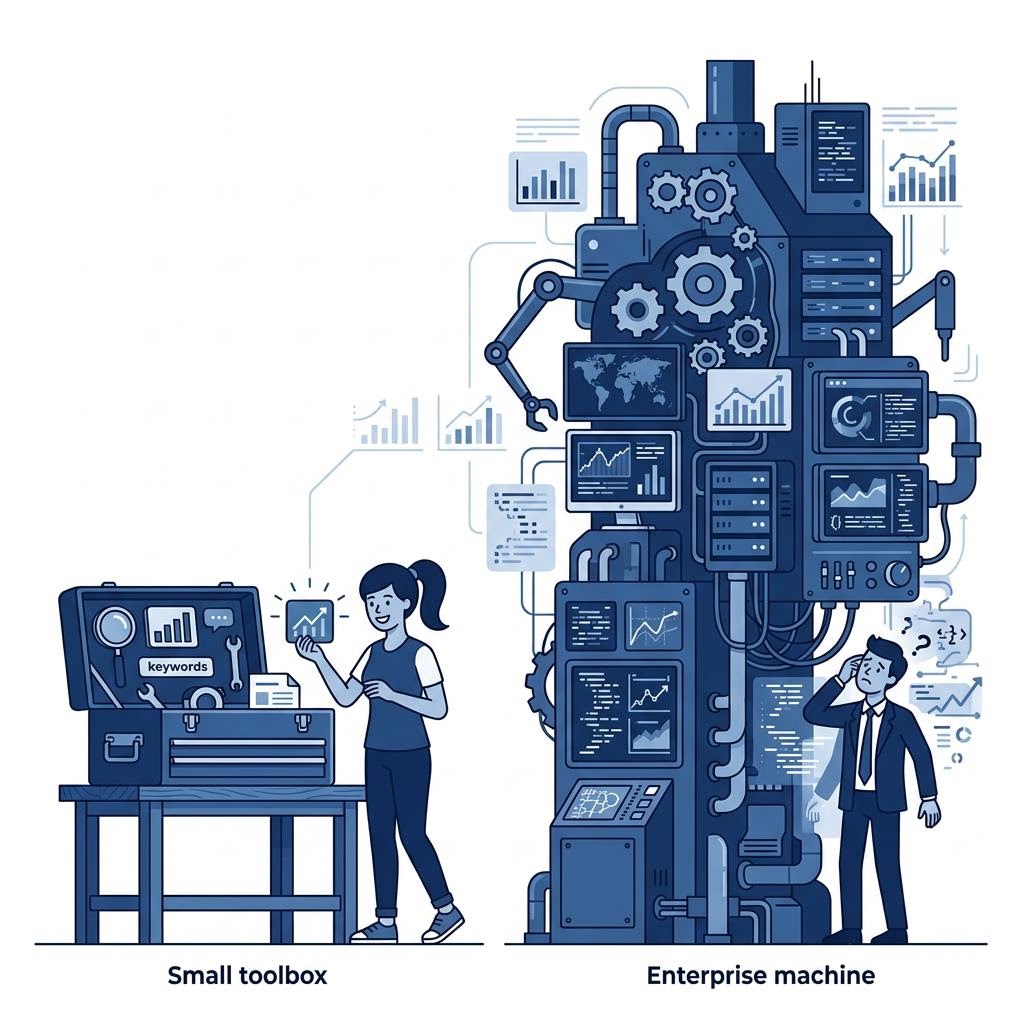
Notice what the progression does not do: it never doubles up on all-in-one platforms. Each tier adds specialist capability, more granular tracking or client-facing reporting, but the core all-in-one stays singular. The jump from SMB to agency is driven by scale, client reporting demands and geographic breadth, not by a need for a second suite. If your spending grows faster than your ability to act on the data, the problem is capacity, and no tool fixes that.
Teams that would rather have this whole apparatus run for them, from audits to reporting to ongoing optimization, can work with the hands-on services counterpart to this publication at OttawaSEO.com. For everyone building and running their own stack, the tiers above are the same shape the professionals work from.
Tool Overlap Traps to Avoid
The most expensive mistakes in SEO tooling are rarely the tools themselves; they are the duplicated capabilities nobody audits. Overlap creeps in gradually. A trial becomes a subscription, a project tool outlives the project, a new hire brings their preferred platform, and within a year you are paying two vendors to answer the same question. Recognizing the common traps is the fastest way to reclaim budget without losing capability.
- Running two all-in-one platforms. Ahrefs and Semrush overlap on nearly everything that matters; pick one and go deep.
- Owning two crawlers. Screaming Frog and Sitebulb solve the same problem differently, so keep the one your operator prefers.
- Paying for a standalone rank tracker your all-in-one already includes, unless you need capability the suite genuinely lacks.
- Stacking multiple content tools. Clearscope, Surfer and Frase largely duplicate each other; one is enough.
- Buying enterprise tiers to solve a capacity problem, when the missing ingredient is people who can act on the data.
The cure is a quarterly stack audit. List every subscription, the one job it does, and the date someone last logged in. Any tool that fails the login test, or shares a job with a tool your team actually uses, is a cancellation candidate. Map tools to workflows rather than to features, because a vendor will always advertise more features than any single team can put to work.
A lean stack is not a badge of frugality; it is a sign of clarity. When every tool in your arsenal answers a question you genuinely ask, the whole apparatus becomes faster to run and easier to trust. The best SEO teams in 2026 are not the ones with the most tools. They are the ones who know exactly why each tool is there, and would notice immediately if it disappeared.
How much should a small business realistically spend on SEO tools?
For most small businesses, a functional stack costs between nothing and roughly two hundred dollars a month. The free foundation of Google Search Console and Google Analytics 4 covers the essentials, and many teams operate for months on that alone. When you outgrow it, a single all-in-one subscription or a rank tracker plus a crawler usually suffices. You rarely need more than one paid platform until keyword research, competitor analysis and reporting genuinely eat hours of your week.
Do I need both Ahrefs and Semrush?
Almost never. The two platforms overlap heavily on backlinks, keywords, rank tracking and site audits, so paying for both means paying twice for the same core capabilities. Most teams pick one as their primary all-in-one and, if a specific gap remains, add a cheaper specialist tool rather than a second full suite. Running both is usually a sign of unexamined subscriptions rather than a real workflow need.
Are free SEO tools good enough to rank without paying for anything?
Yes, more often than people assume. Google Search Console, Analytics 4 and the free tier of a crawler will surface most of the technical and performance problems holding a site back. Free tools are weakest at competitive intelligence: they cannot show you a rival's backlinks or the full keyword landscape. If your market is not fiercely contested, a disciplined free stack can carry you a long way before paid tools earn their cost.
What is an AI-search visibility tool and do I need one in 2026?
These tools track whether and how your brand appears inside AI-generated answers from systems like ChatGPT search, Google AI Overviews and Perplexity, rather than in traditional blue-link rankings. They monitor citations, sentiment and share of voice across prompts. You need one if a meaningful slice of your audience now begins research inside an assistant. If your traffic and conversions still come overwhelmingly from classic search, it is a monitor-and-wait category rather than an urgent purchase.
When does hiring an agency make more sense than buying more tools?
When the bottleneck is expertise and time, not data. Enterprise tools produce more insight than a small team can act on, so buying a bigger platform to fix a capacity problem simply widens the gap between what you know and what you do. If reports pile up unread and audits go unactioned, the missing ingredient is people, not software.
How do I avoid paying for overlapping SEO tools?
Audit your stack every quarter. List each subscription, the specific job it does, and the last time someone logged in. Wherever two tools claim the same job, keep the one your team actually opens and cancel the other. Map tools to workflows rather than to features, because vendors will always advertise more features than any single team can use.